Choose. Provision. Deploy.
DSD Selector is our CMS-agnostic provisioning application, pre-installed on both the DSDA1 and DSDX5, designed to simplify digital signage deployment and give customers greater flexibility in choosing their preferred CMS.
On first boot, users can select from a growing range of supported and certified CMS platforms, making device configuration straightforward and reducing the complexity of deployment.
For larger installations, DSD Selector supports MAC address provisioning, allowing devices to be automatically assigned and configured with the appropriate CMS application. This streamlines deployment, reduces manual setup and makes managing large-scale rollouts easier.
Our approach is simple: reliable, purpose-built Android hardware with the freedom to choose the CMS that best suits your project.
Below is a walkthrough of the DSD Selector experience and what users can expect when booting a DSDevices player for the first time.
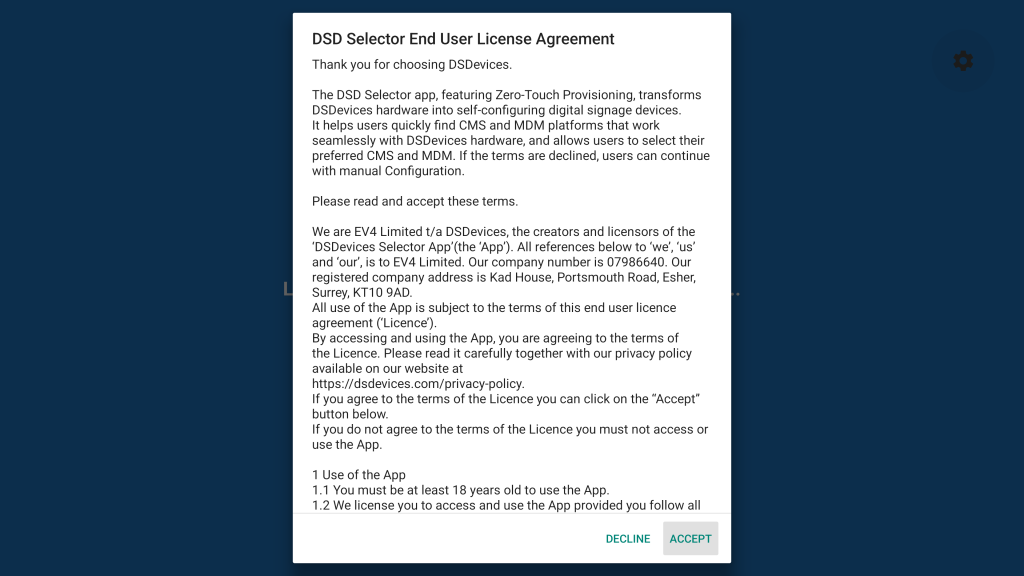
Agree License terms and conditions to continue or decline to exit and configure the device manually
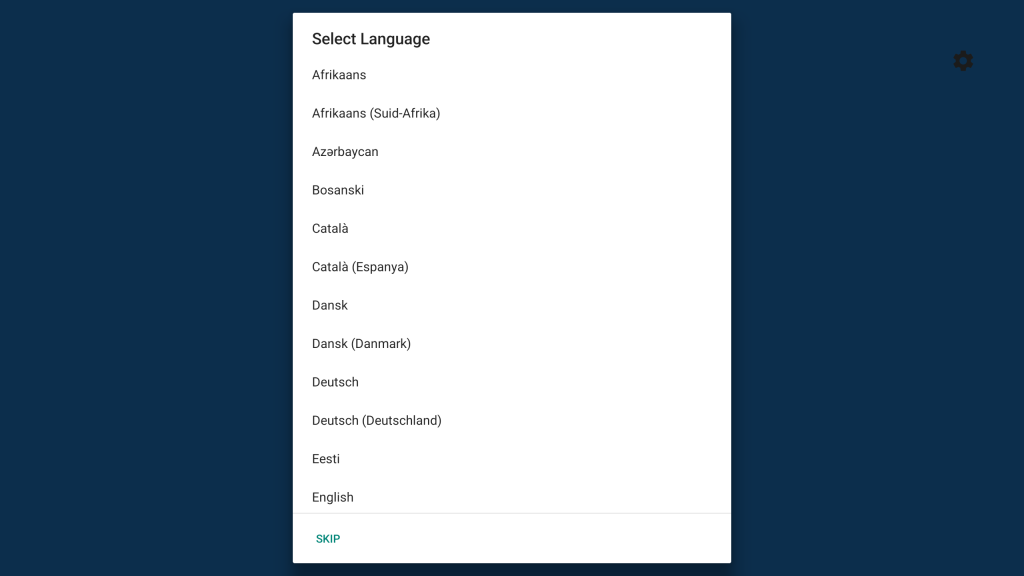
Select your preferred language
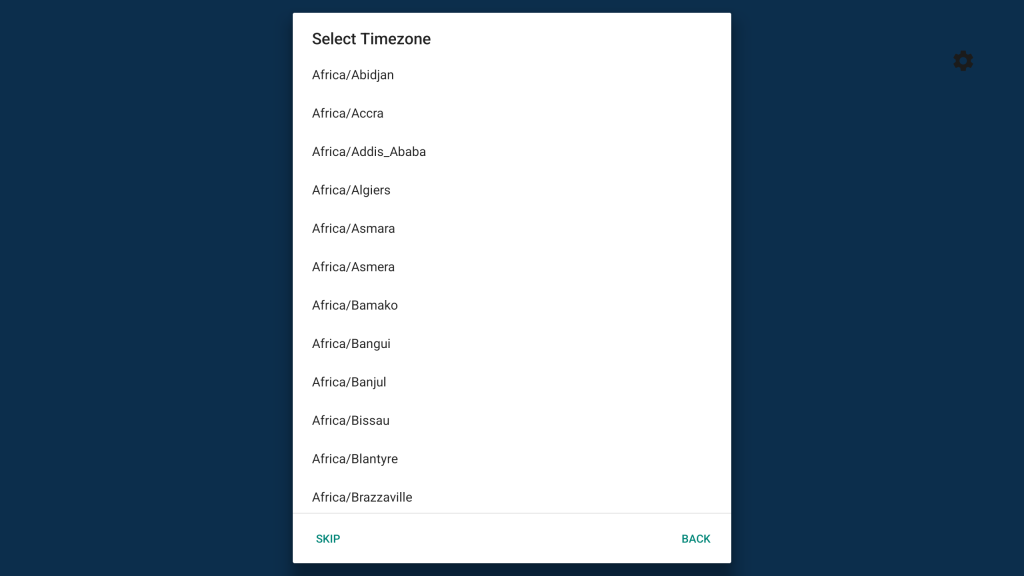
Select your time zone
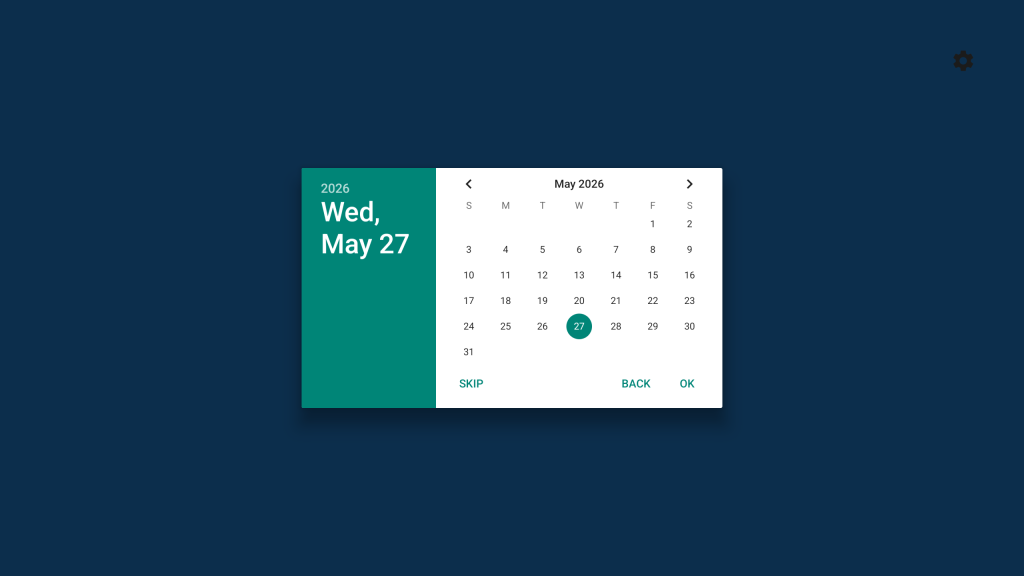
Check your Date is correct and click OK
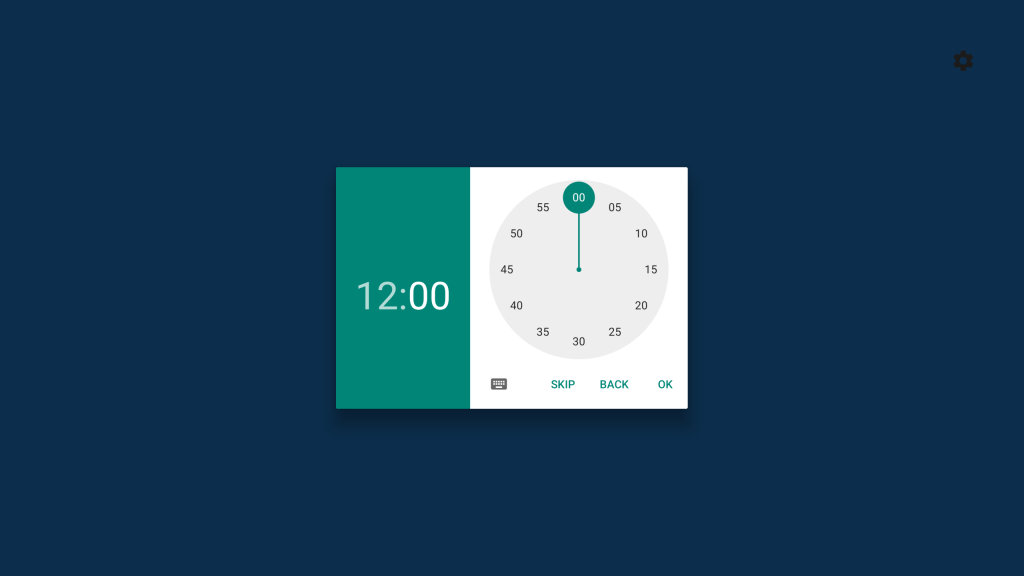
Check your Time is correct and click OK
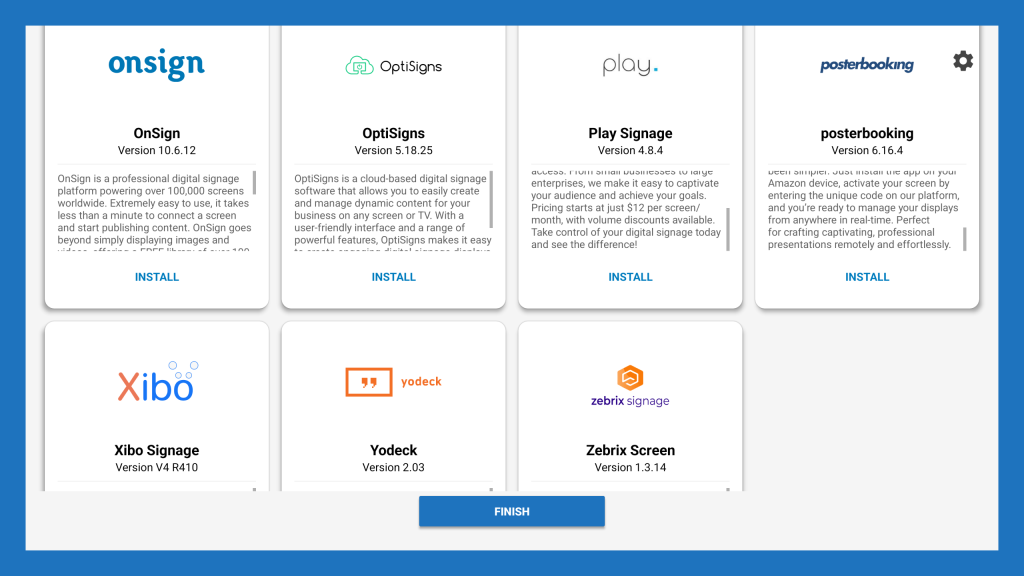
Select your preferred CMS – RDM/MDM
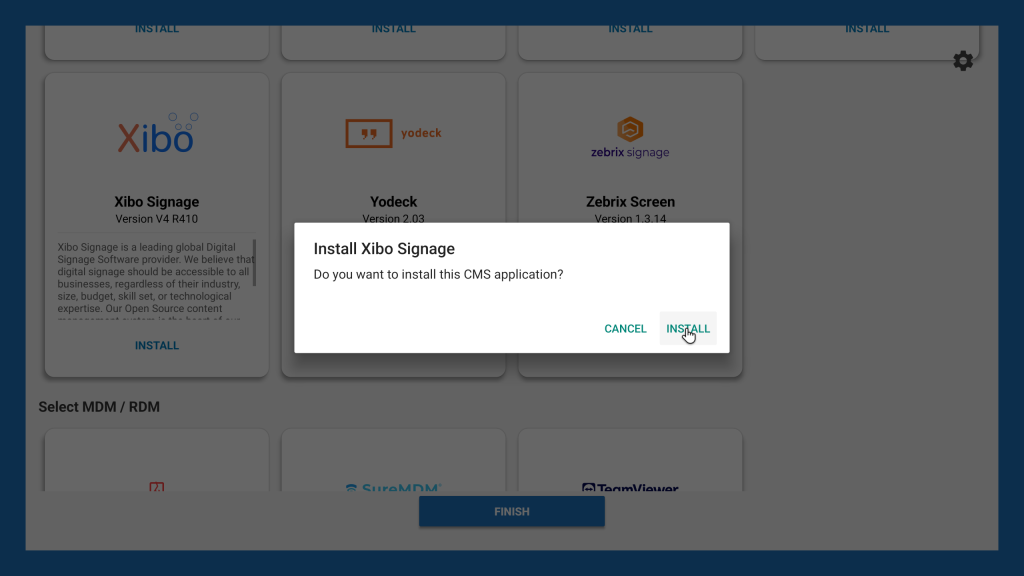
Install your preferred CMS – RDM/MDM
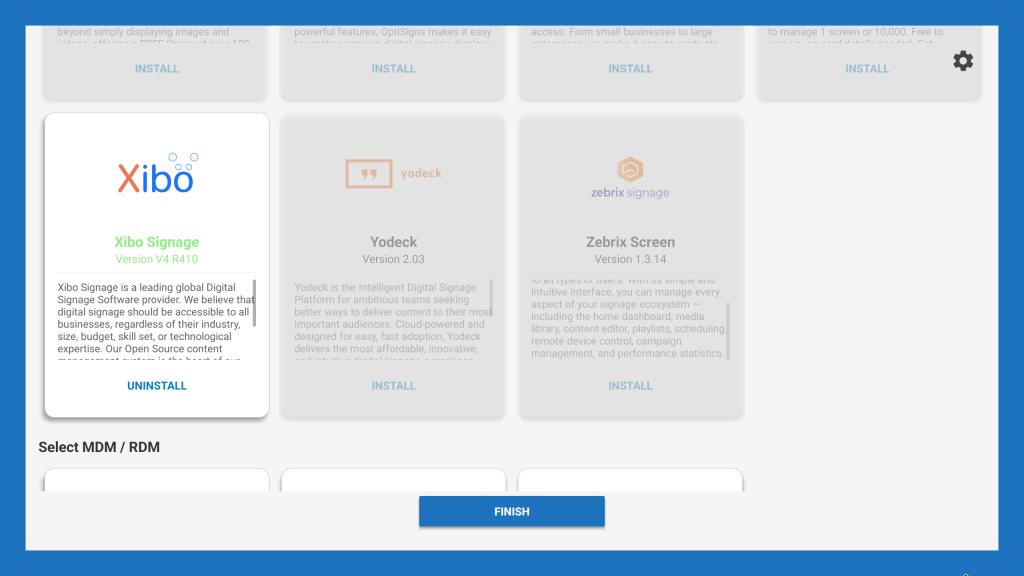
Uninstall of the selected CMS – RDM/MDM if required
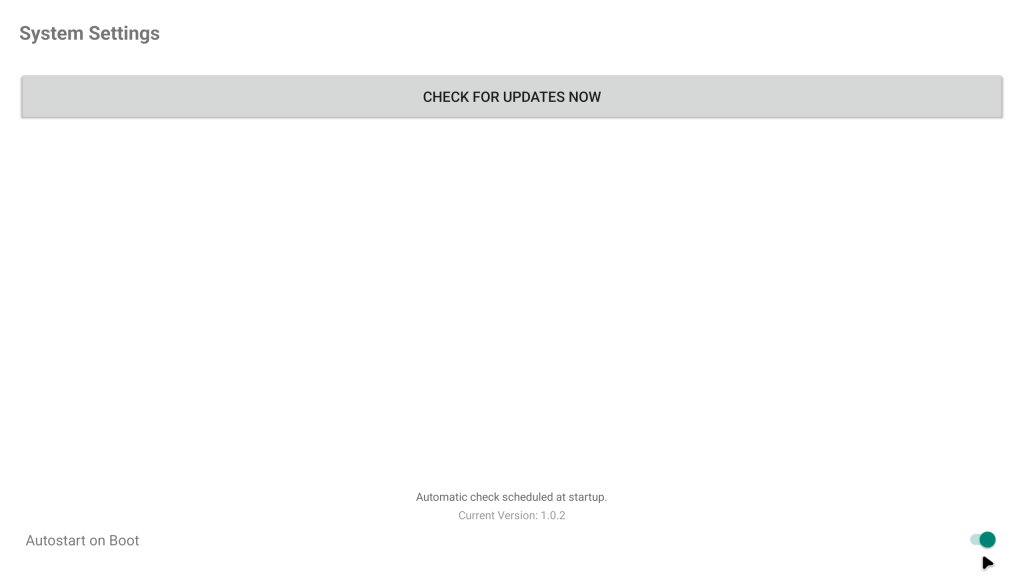
Click on the settings cog to enter system settings and turn off autoboot. DSD Selector will not launch on next boot
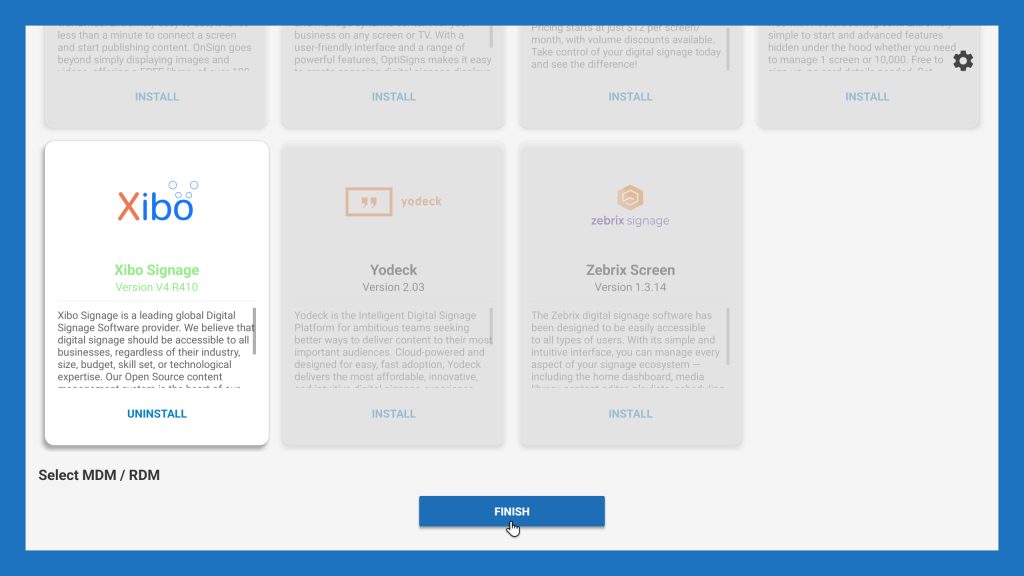
Exit DSD Selector to continue configuration of your selected CMS – RDM/MDM
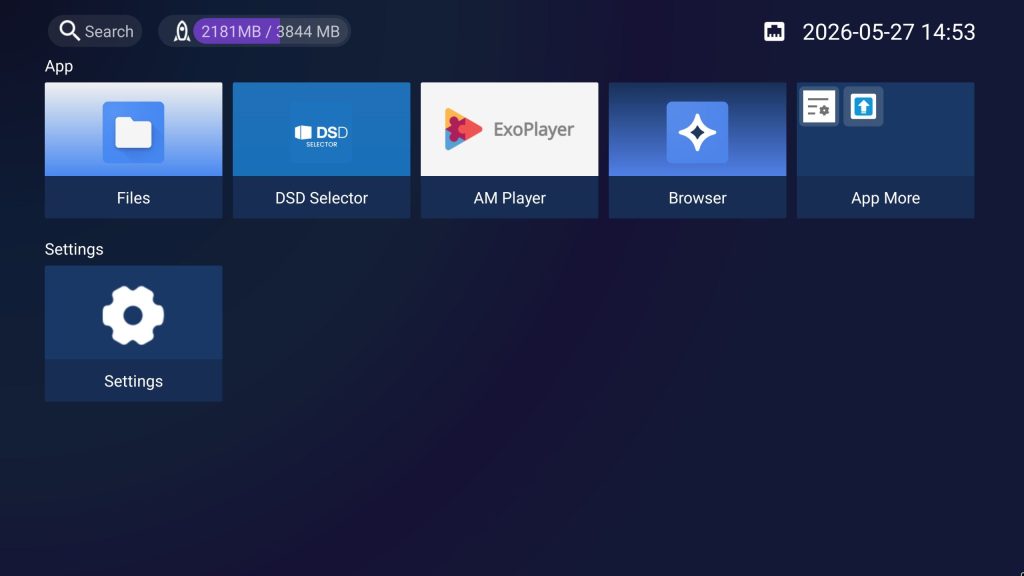
Continue configuration of your selected CMS – RDM/MDM
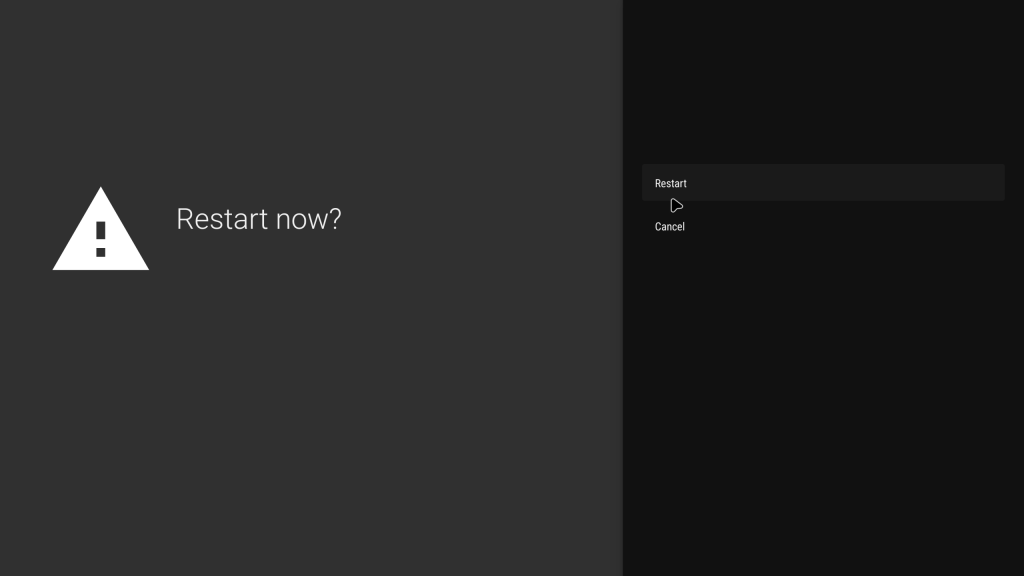
Software restart the device: Settings – Device Preferences – Restart to save all settings. You can then power cycle the device