Powering the future of digital communication
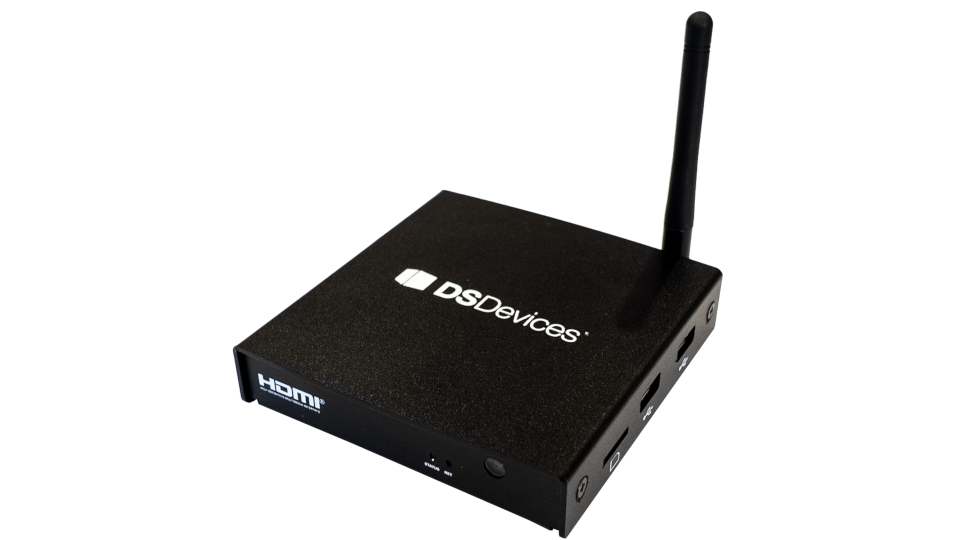
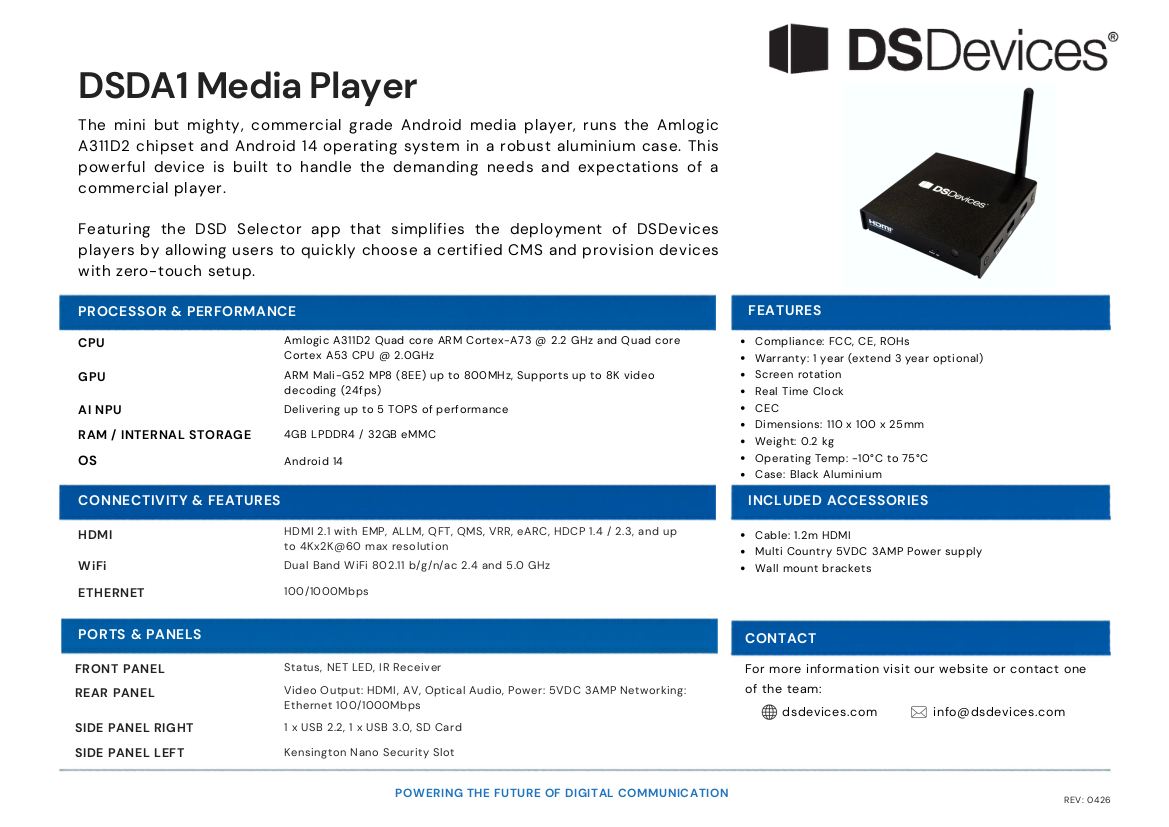
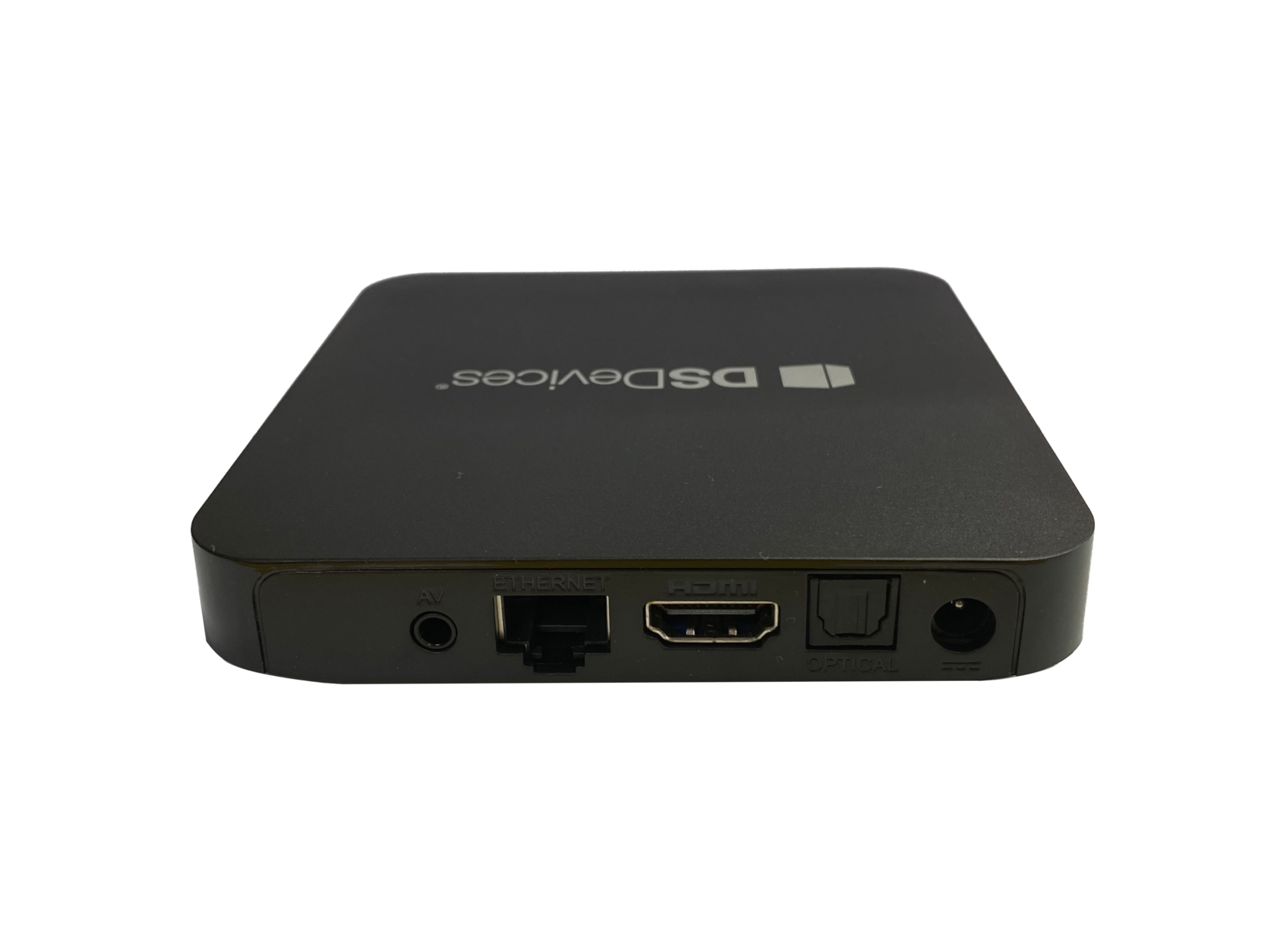
DSDA1
The DSDevices DSDA1, a commercial grade Android digital signage player.
- OS: Android 14.0
- Supports up to 8K video decoding (24fps)
- DSD Selector
- High performance Gigabit Ethernet
- 4GB Memory and 32GB Storage
- Aluminium Chassis
- Wall brackets
- 1-year return to base warranty

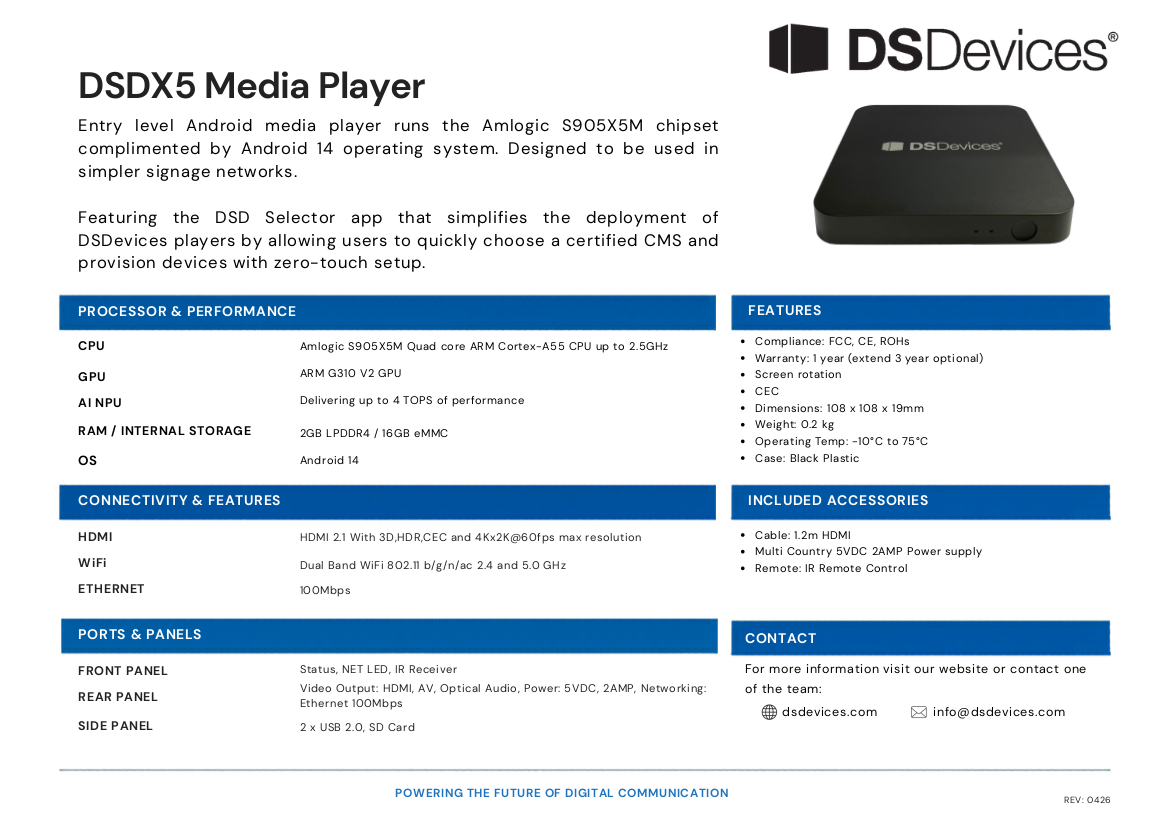
DSDX5
The DSDevices DSDX5, a cost effective Android digital signage player.
- OS: Android 14.0
- Supports up to 4K video decoding
- Google Play Store
- Preloaded Apps
- 100M Ethernet
- 2GB Memory and 16GB Storage
- Cost Effective
- 1-year return to base warranty

DSCS9X
The DSDevices DSCS9X is a commercial digital signage player purpose built to run Xibo for Android and is best suited for use in more complex digital signage networks.
- Metal Chassis
- High performance Gigabit Ethernet
- 4GB Memory and 32GB Storage
- 1-year return to base warranty
DSCS95
The DSDevices DSCS95 is a digital signage player purpose built to run Xibo for Android and is best suited for use in simple digital signage networks.
- Cost Effective
- Small, lightweight device
- 2GB Memory and 16GB Storage
- 1-year return to base warranty
×
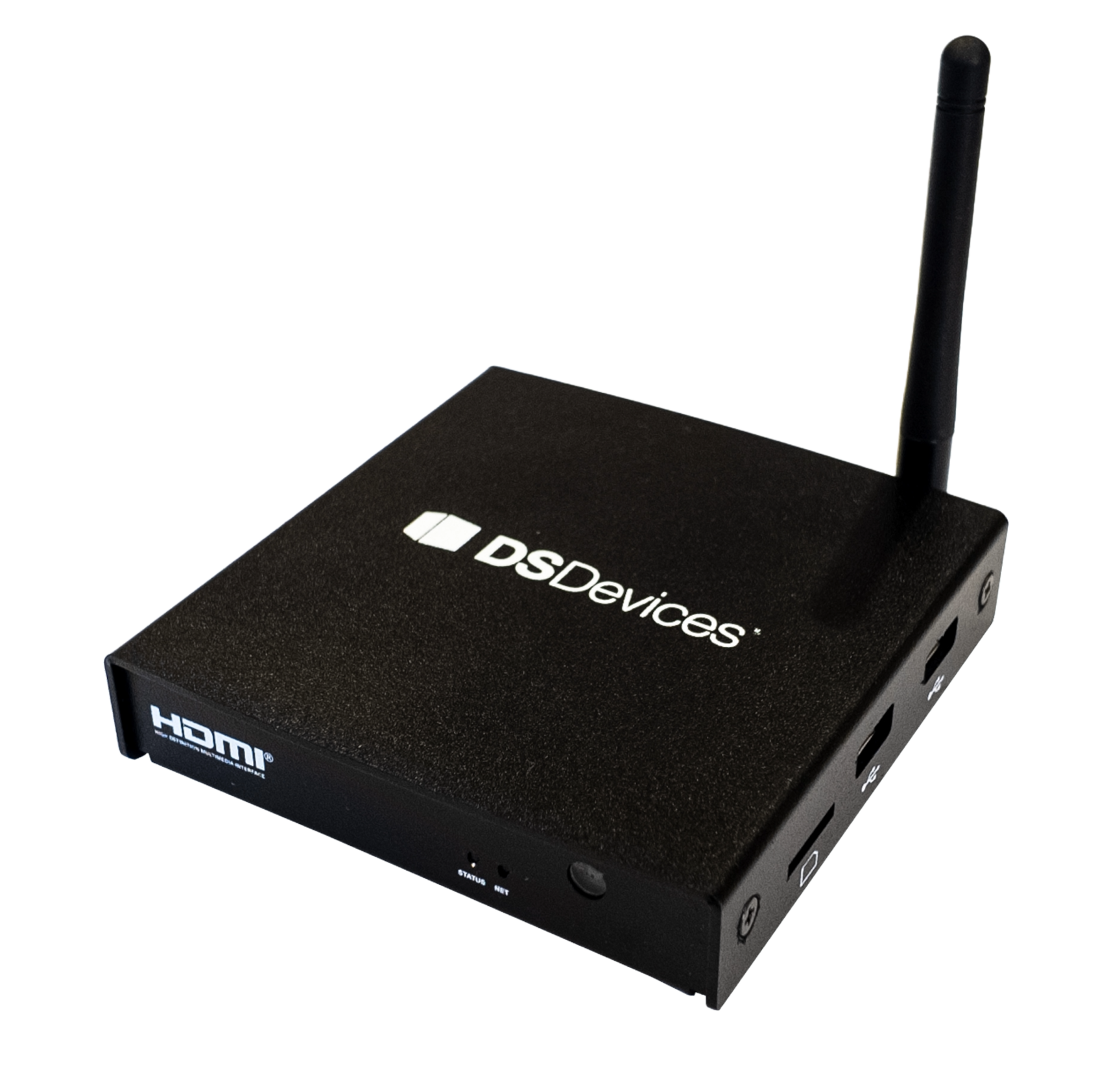
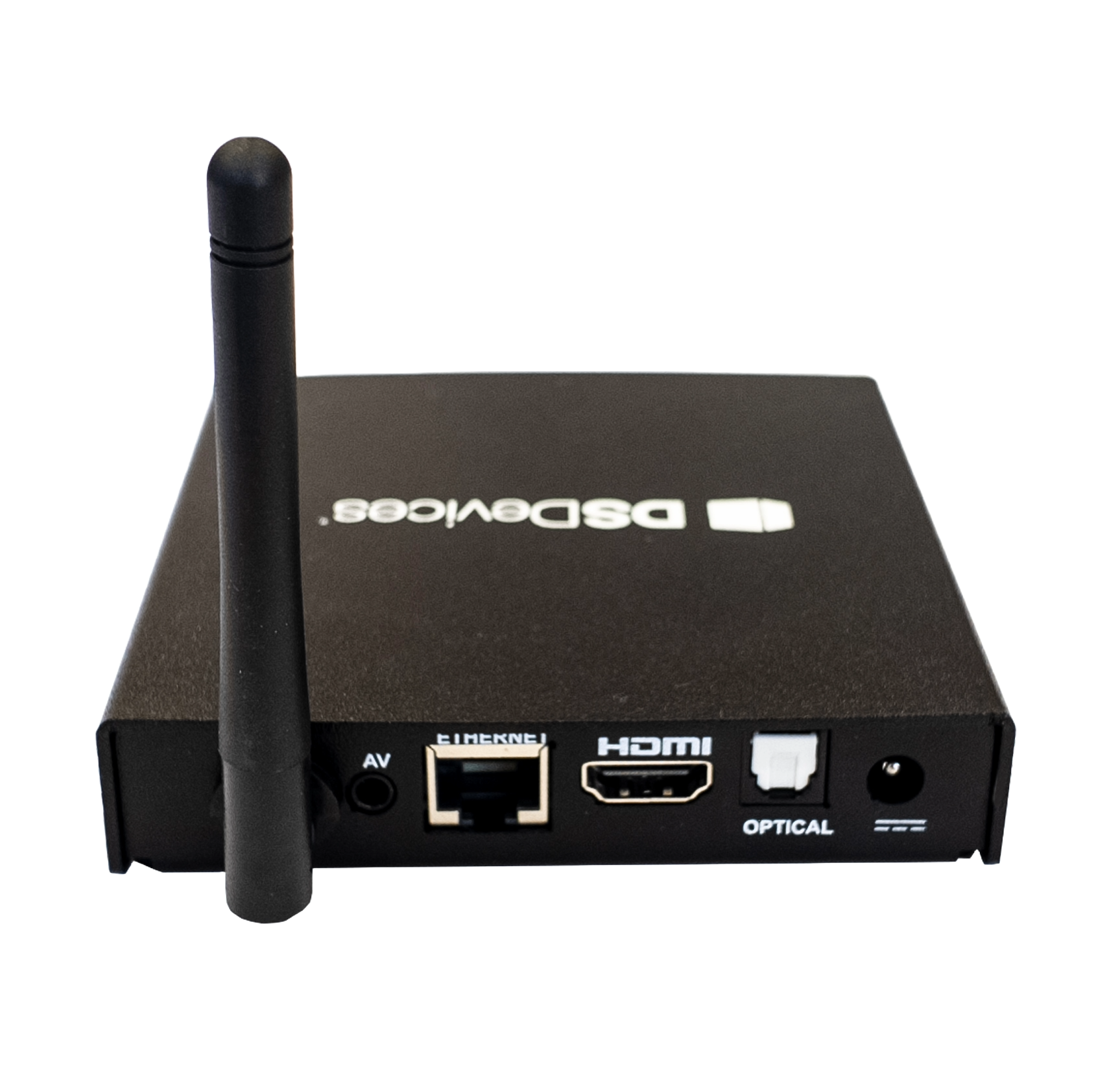
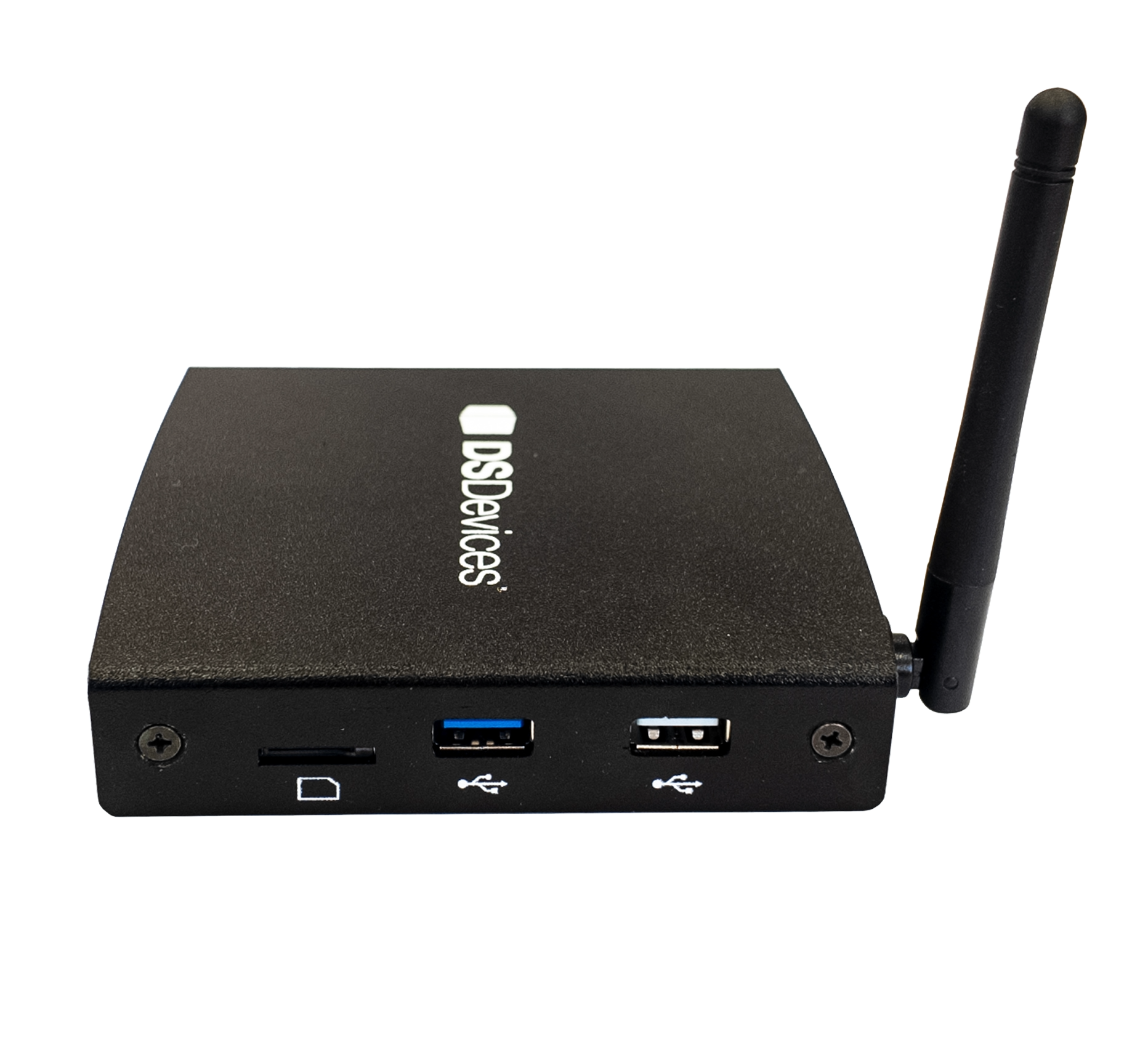
DSDA1
PRODUCT DATA SHEET
×

DSDX5
PRODUCT DATA SHEET